How to choose photos for a life story film
Choose meaningful, clear photos from different ages, scan old prints and avoid the image problems that make AI transitions harder.
By the Yearlight team4 min read
The short answer
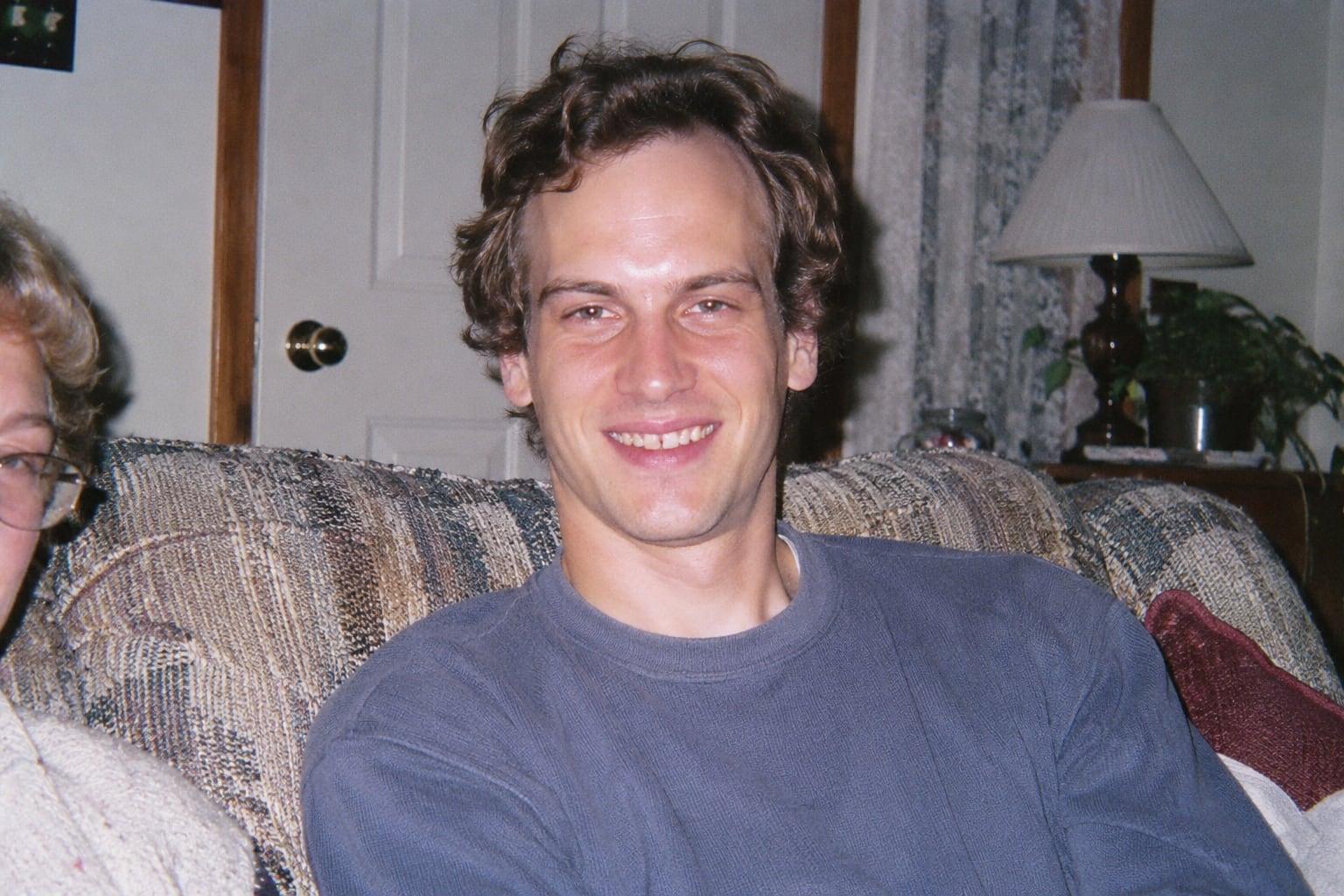
Start with 8 to 20 photos of the same person at different ages, rather than a large batch from one occasion. Put them in chronological order, check that the face is clear and keep the original files. Ordinary gallery photos often tell the story better than a collection of formal portraits.
Build the story before you count the photos
Make three small folders: early years, the life they built, and today. Add one or two photos of ordinary life in each: the kitchen, a familiar holiday, a hobby. Include the moments the person would choose for themselves. An old photo can be precious without belonging in an animated sequence.
Choose by the face, then by the memory
Open each candidate at full size. Check the eyes and mouth before judging the background. A little grain or a faded print may be fine; a face reduced to a few indistinct pixels gives an AI model very little to work with.
| Photo | What to do |
|---|---|
| Clear face in an everyday snapshot | Keep it, even if the framing is imperfect. |
| Group photo with a small face | Find the original; crop only if the face remains clear. |
| Blur, sunglasses or a face in deep shadow | Look for another photo from that period. |
| Several almost identical portraits | Keep the one that adds something to the story. |
Bring old prints into the same collection
Place a print flat near a window with indirect light. Hold the phone parallel, move until reflections disappear, and photograph the entire print before cropping a copy. Keep the untouched capture. For fragile or irreplaceable prints, ask a scanning specialist rather than forcing an album open.
Make the sequence readable
Order photos by approximate age and keep a backup of the originals. Try to bridge large jumps with an intermediate age if you have one. Yearlight requires at least four photos per timeline; the chosen plan sets the maximum. AI draws the movement between photos, so inspect the result rather than assuming a clear input guarantees a faithful face.
Before you start
- The same person is identifiable throughout.
- The selection spans different ages and everyday settings.
- Original files are saved separately.
- Ages are approximate when the date is uncertain.
Questions, answered
- Do the photos need matching backgrounds?
- No. A home, school, beach and garden can all belong in the same story. Prioritize a visible face and a meaningful sequence over matching scenery.
- Should I restore or colorize every old photo first?
- Keep the original and avoid making restoration a requirement. Strong AI retouching can change a face. Yearlight does not offer photo restoration or colorization; use a separate tool only when the change improves the actual source.