How a Yearlight film is made
A Yearlight film is a chain of your own photos. You choose them and set the ages. AI draws the motion from each photo to the next. Then the whole chain plays as one take, with no cuts.
You choose the photos
Any photo where their face can be seen will do: photos on your phone or computer, old prints you photograph or scan with the camera, and photos family send through a private link. Group photos are fine; you’ll tap the right person. Each plan sets the most you can use: 10, 20 or 40 photos, and each person needs at least 4.
What works best
- Faces that look toward the camera, not away from it.
- Faces that aren’t tiny in the frame.
- More photos from childhood, when people change quickly.
- A clear, recent photo to end on.
Choose the person on your device
Face detection can help you choose the person and runs on your phone or computer. You can select the person’s position yourself when a face is partly hidden or not visible. Your photo, the chosen position and any optional framing are uploaded to make the film. We do not store face-recognition templates.
You set the ages
Enter an approximate age or the year each photo was taken. These details help you plan the chronology and guide the transitions. Yearlight does not estimate anyone’s age.
Keep the scene in your photo
We keep the full composition of each source photo, including the visible body and surroundings. Choose the person the story follows. You can adjust the framing yourself if you want to; choosing the person does not require a close-up crop.
Photos of Helen, with their original composition preserved. Person selection and optional framing are separate choices. Helen is a fictional person created with AI.
As they arrive
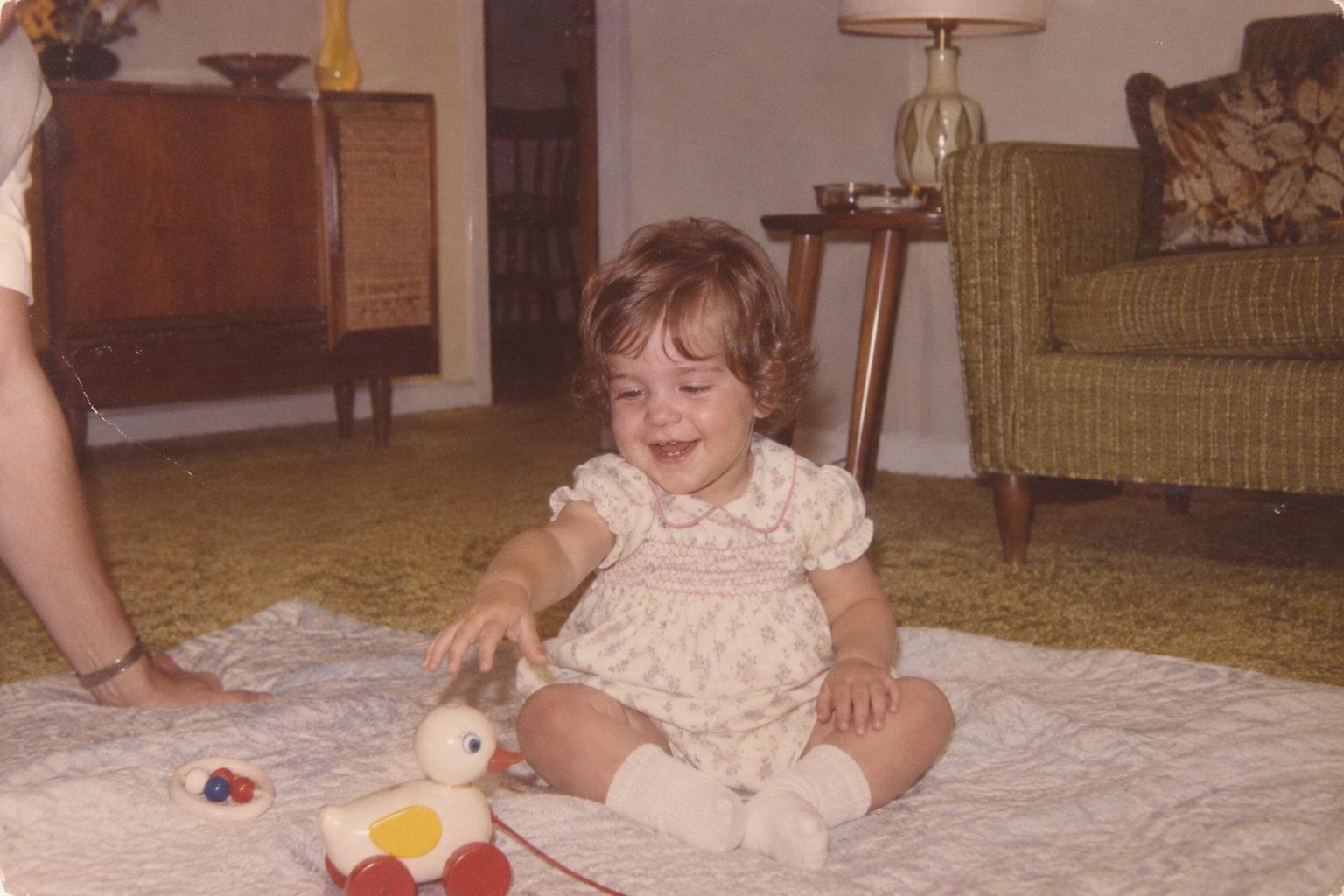
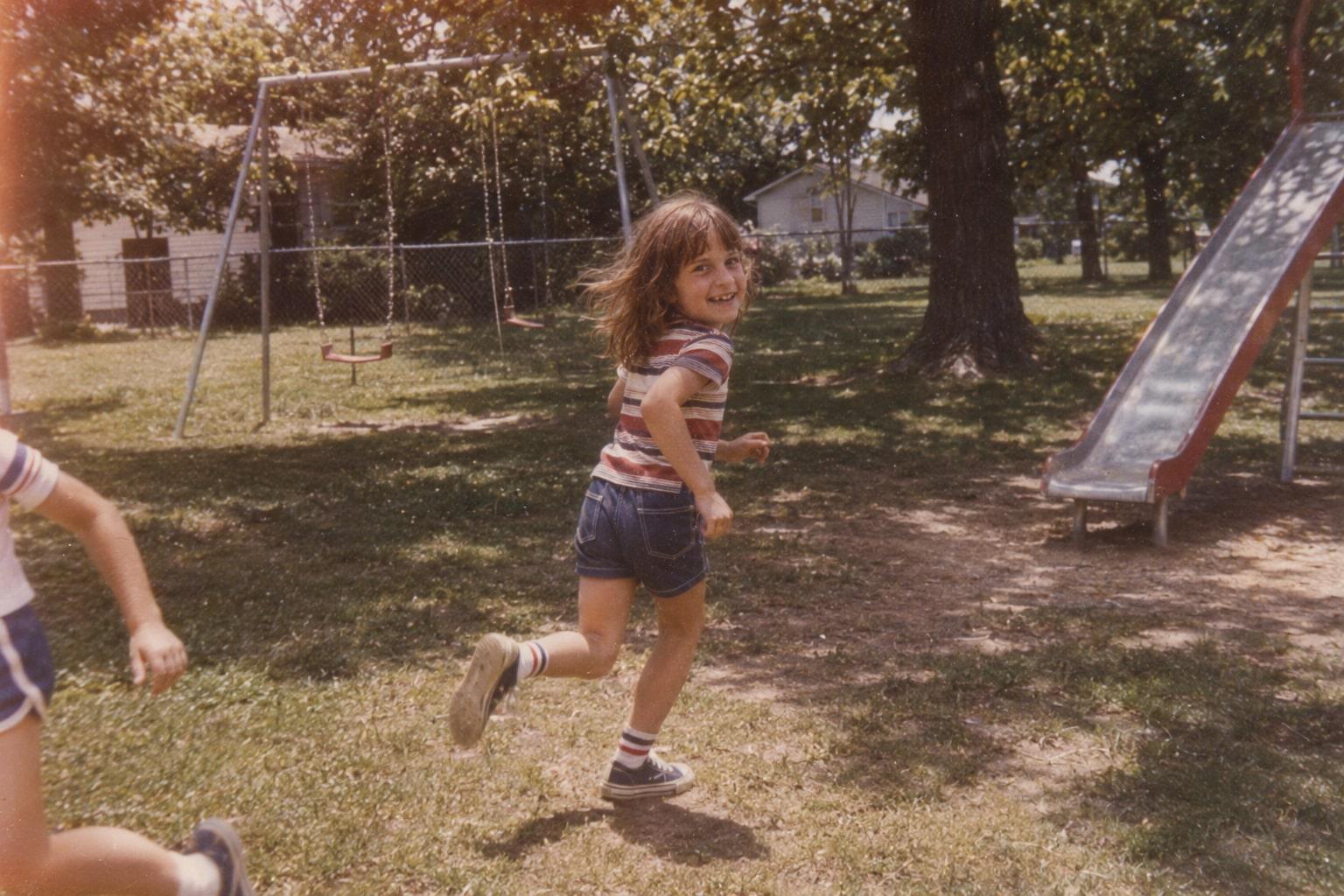
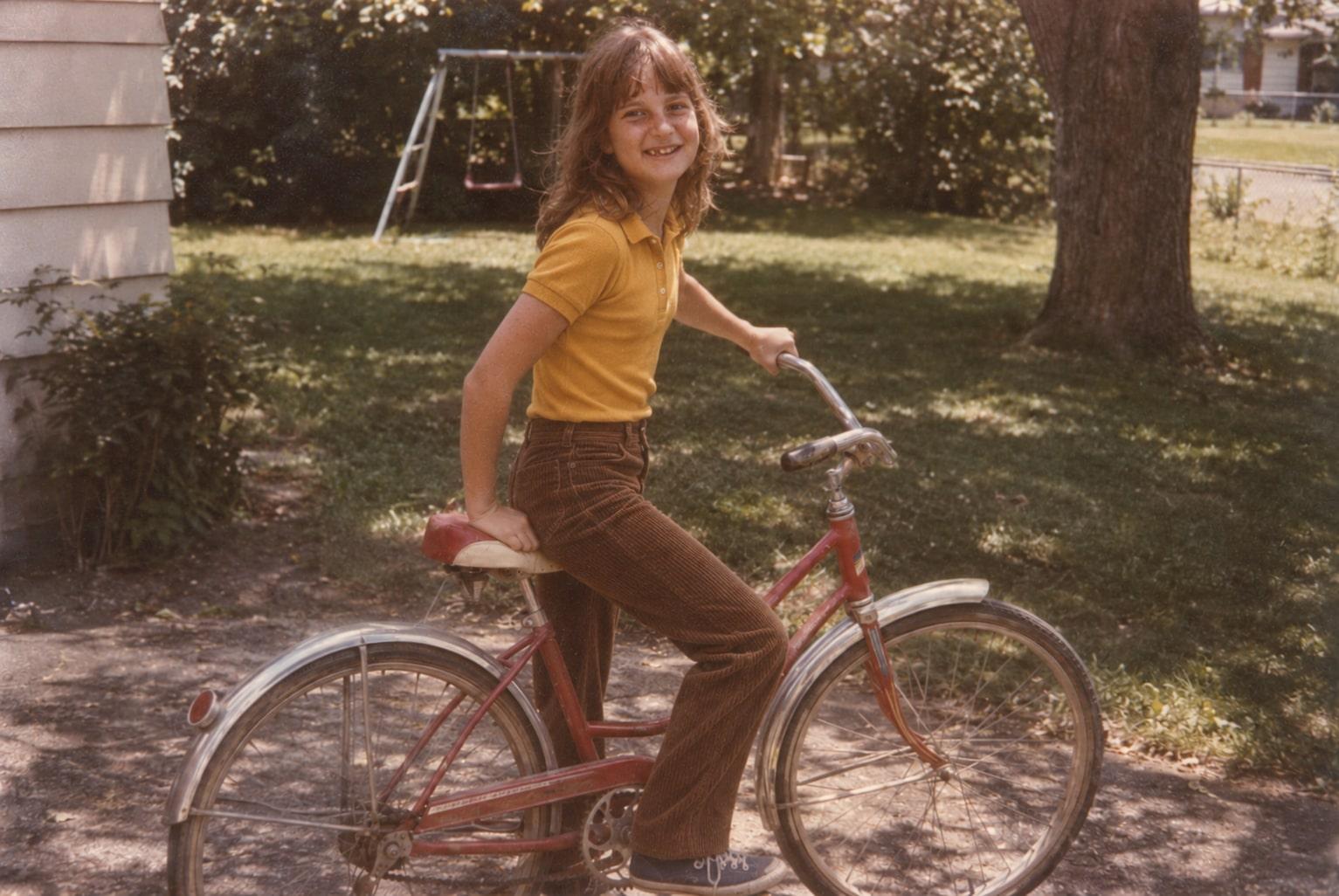
The full photo, with your chosen person
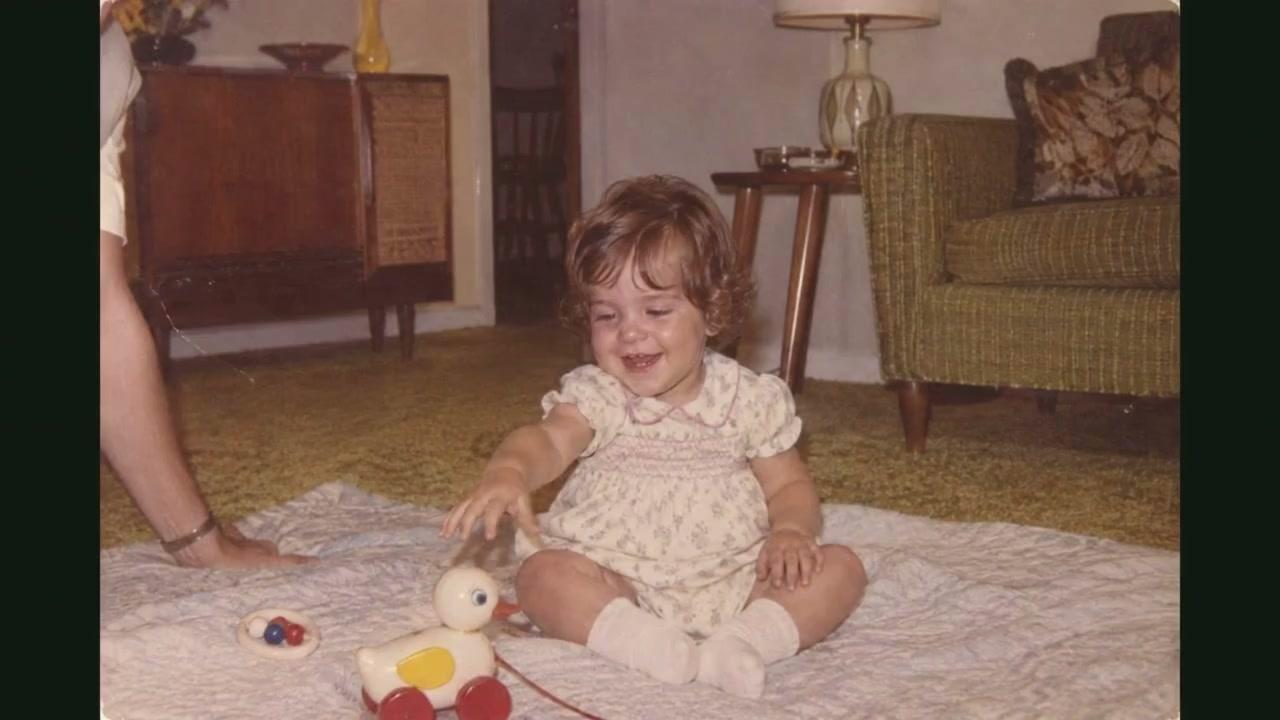
Arrow keys move one year.
AI draws the moments between your photos
For each pair of neighboring photos, a video model makes a short moment that starts on the first photo and ends on the second. The face changes gradually from one age to the next. The moments are joined on your photos themselves, so the film never cuts.
We currently use a video model from Kling AI. No other video model receives your photos.
The instructions we send to the model describe the motion, not the person: no names, no dates, no stories.
What stays real, and what AI draws
Real
- Your photos. Every moment starts from one and ends on the next.
- The ages and their order. You set them.
- The words on screen. You write them.
Drawn by AI
- The motion from one photo to the next.
- The face in between, at ages you have no photo for.
- The change of background from one place to the next.
The film begins at your first photo and ends at your last. It never imagines years before the first or after the last.
Two lives, side by side
Each person has their own ordered photo timeline. The two timelines play side by side and meet in one clear photo of both people together at the end.
Films that follow up to four people across generations are planned, not available yet.
Music
Each film can have its own original score: music made with AI to fit your film’s length, in the mood you choose. To make it we send only the mood and the length, nothing about the people in the film. You can also add a song you have the right to use, or choose no music and play your own at the venue.
Titles and the AI credit
Add an opening title and a dedication. Every film ends with the Yearlight mark and the credit “Made with AI from family photos”. This credit stays in the film so viewers know how it was made.
Films made in Korean also carry a small AI mark in a corner for the whole film.
Film titles support Latin and Cyrillic characters, Japanese, Korean, Hebrew and Yiddish.
Checks before you see it
Every film is checked so it never flashes more than three times in any second. On a big screen, that matters.
If a moment fails our checks, we make it again before you see it.
You watch, re-shoot and approve
When your film is ready, the whole thing plays as a watermarked preview. Mark the moments you’d like re-shot, within your plan’s rounds. When you’re happy with it, approve it: the watermark comes off and the files are yours to download and share. Before you approve, you can ask for a full refund within 30 days of ordering.
What you get
- A wide film (16:9, 1080p MP4) for screens and venues, with its sound level set for a room.
- A tall version (9:16) for phones.
- A share link that works for anyone who has it, which you can make expire or turn off at any time.
- With Premiere and Heirloom, a downloadable screening checklist for whoever runs the screen.
How long it takes
Your storyboard appears as soon as your photos are in order. The film takes longer, because each moment is made by a video model; all the moments are made at the same time. While yours is being made, we show its progress, and we tell you when it’s ready.
What it can’t do
- Use children’s photos without the permission of a parent or guardian.
- Go past your first or last photo. It never imagines years before the earliest photo or after the latest.
- Promise a perfect likeness. AI video models don’t do equally well with every face, age, skin tone or kind of light. Small, blurry, covered or turned-away faces are harder. Re-shoots help, and you only approve a film you’re happy with.
- Repair or colorize damaged photos. A cleaner scan helps more than anything we could do.
- Follow more than two people in one film, yet.
- Make 4K files, DVDs, voices or narration.